9. Jobs, AlphaGenome, System
Pages: Jobs · AlphaGenome · System · Goal: produce new data (predictions, imports, training runs) and know what this machine can do.
Predict new tracks
Overview → AlphaGenome predictions (or the same button on Jobs) opens the prediction form:
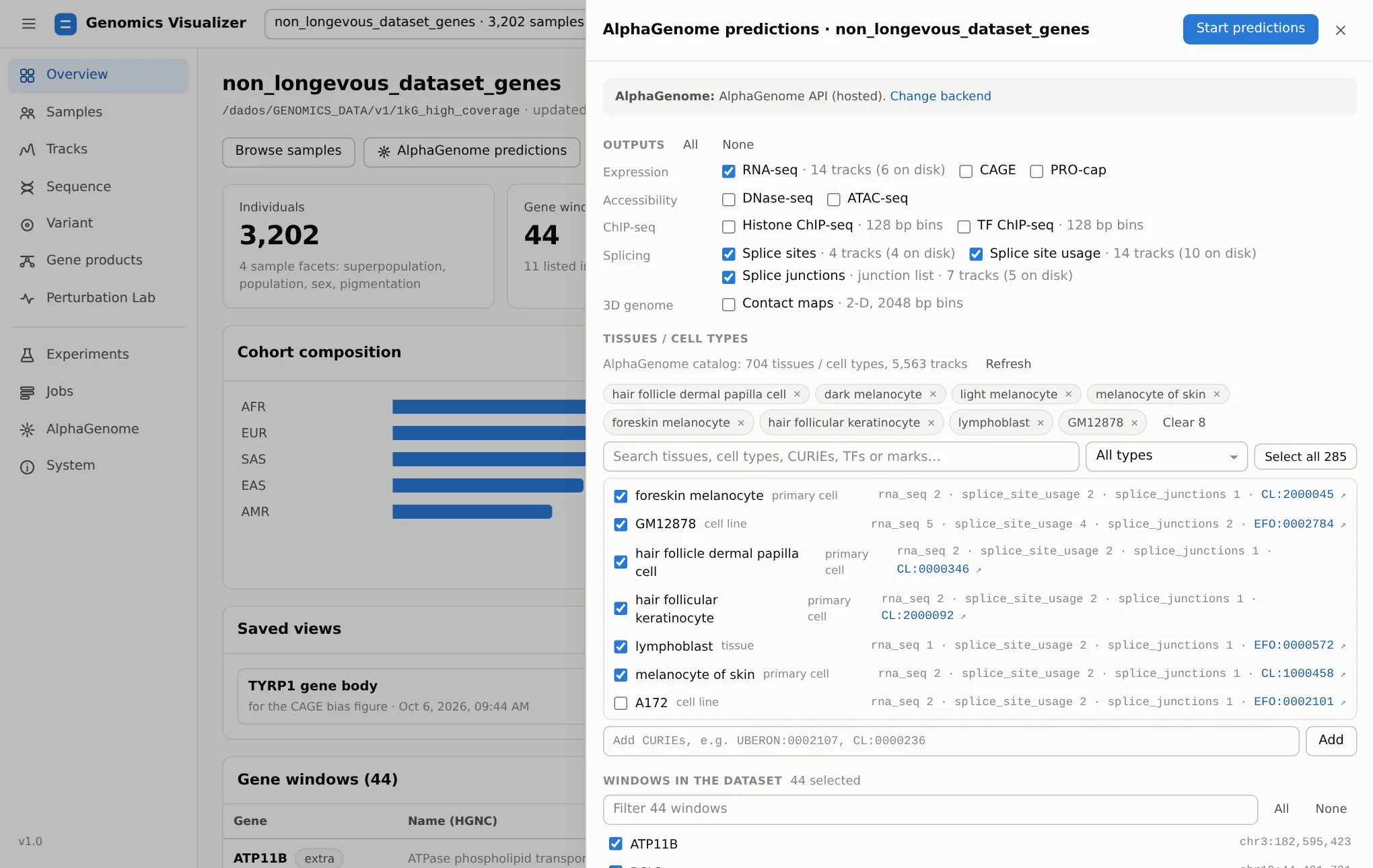
- Outputs: every AlphaGenome output, with how many tracks already exist on disk. Splice junctions feed the Gene products splicing card.
- Tissues / cell types: searchable by name, CURIE, TF or histone mark, and filterable by biosample type. Only terms with tracks for the chosen outputs are listed.
- Samples: all, the Samples-page cohort, or the pinned individuals. Haplotypes include
ref, the reference genome baseline. - Windows: existing windows, any GENCODE gene, custom
NAME=chr:start-endregions, curated regulatory elements (pigmentation enhancers near OCA2, KITLG, IRF4; classic loci such as LCT, FTO/IRX3, 9p21), or the genes of a Gene Ontology term or HGNC gene group. New windows are first built for every sample from the dataset's source VCF.
Windows that already have the outputs are skipped unless overwrite is set. The CLI equivalent is
genomics alphagenome predict-dataset.
Cost
One AlphaGenome call per sample × haplotype × window: about 4 s on the hosted API and about 0.8 s on a local GPU for a 524 kb window. A whole 1000 Genomes window set (3,202 × 2 × 44 calls) is days of compute, so predict the cohort you need, not the whole dataset. See Requirements.
Follow jobs
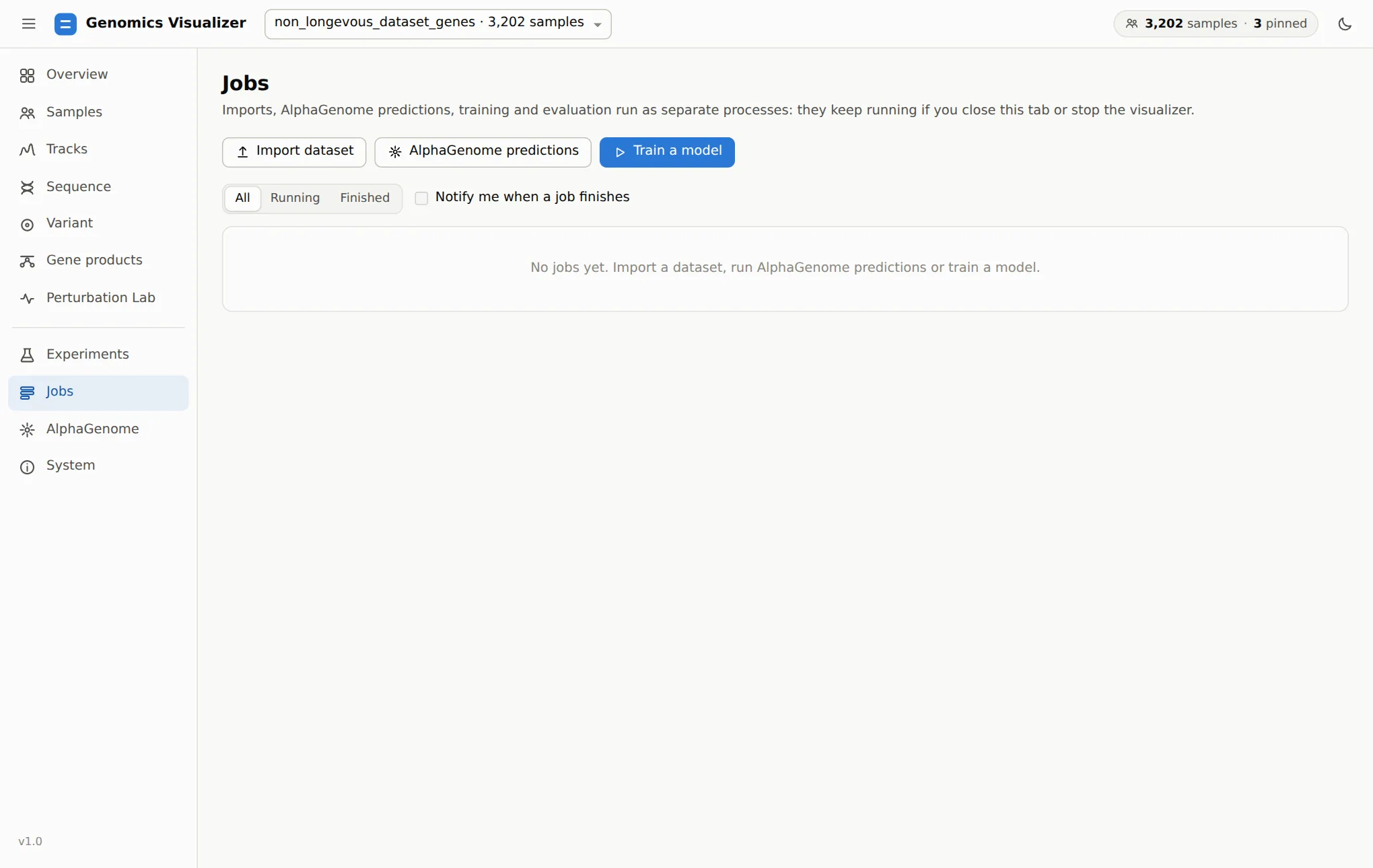
Jobs run as separate processes, so they survive closing the tab and stopping the app. A
restarted app lists them again. Each job shows progress, an ETA and a live log, and can be
cancelled. Retry re-runs a finished job with the same recipe. Each job folder
(results/visualizer/jobs/<id>/) keeps task.json with the exact commands, so any job can also be
re-run from a shell. Training and evaluation share a gpu queue, and predictions an alphagenome
queue. Each queue runs one job at a time.
The top bar shows running jobs from every page. Notify me when a job finishes adds a desktop notification for when the tab is in the background.
Choose the AlphaGenome backend
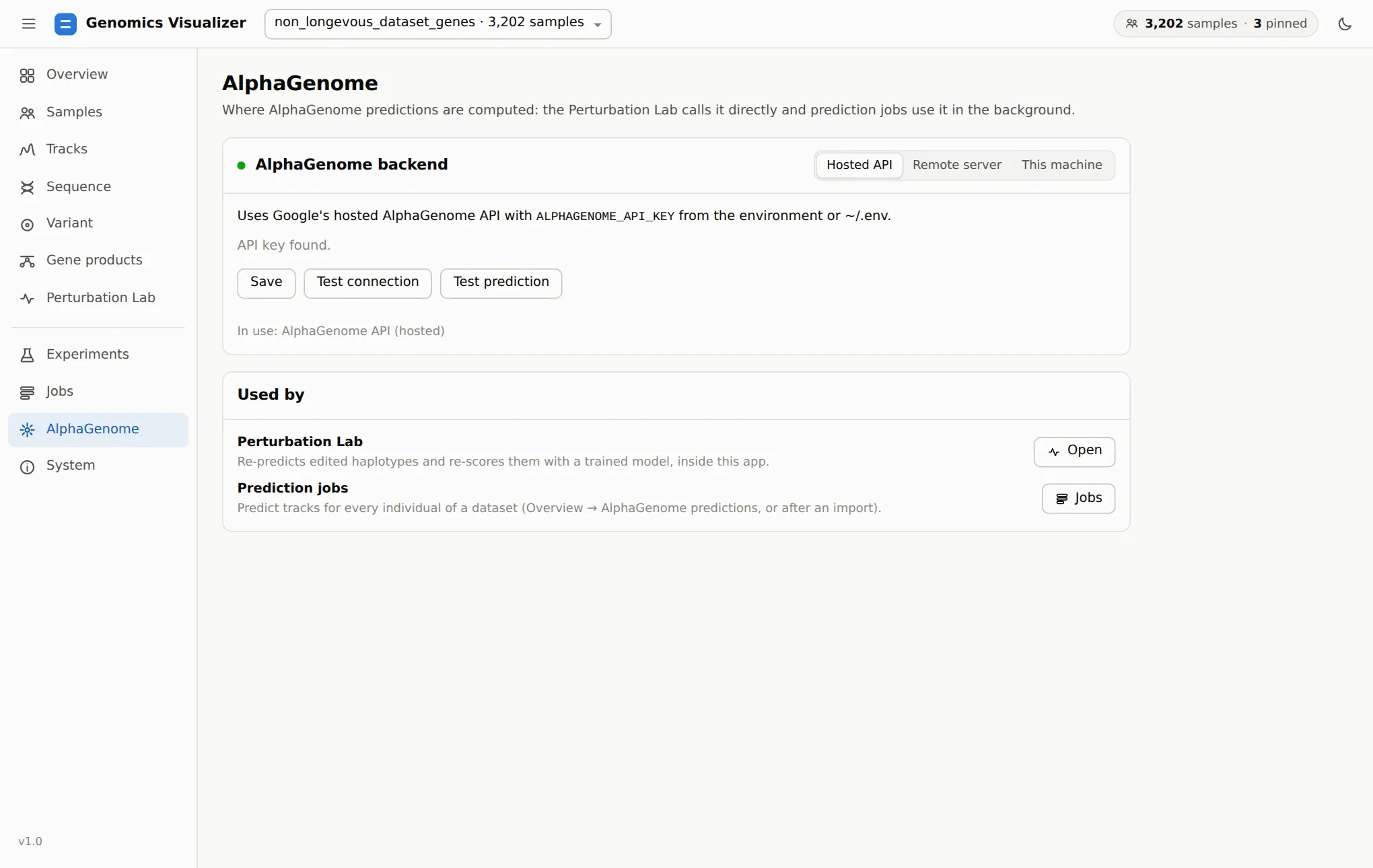
| Mode | Use when | Needs |
|---|---|---|
| Hosted API | You have no GPU, or want to start now | ALPHAGENOME_API_KEY in the environment or ~/.env |
| Remote server | Another machine serves the model | Its address, e.g. grpc://10.0.0.5:50051 (and a CA certificate for self-signed TLS) |
| This machine | You have an NVIDIA GPU and want privacy and no quotas | genomics alphagenome server setup once. Then Start server here, which shows loading → ready |
Test connection checks the service. Test prediction runs a 16 kb prediction, which proves the model runs (on a fresh local server the first call includes JIT compilation). A job keeps the backend it started with. Details: Visualizer reference.
Check the machine
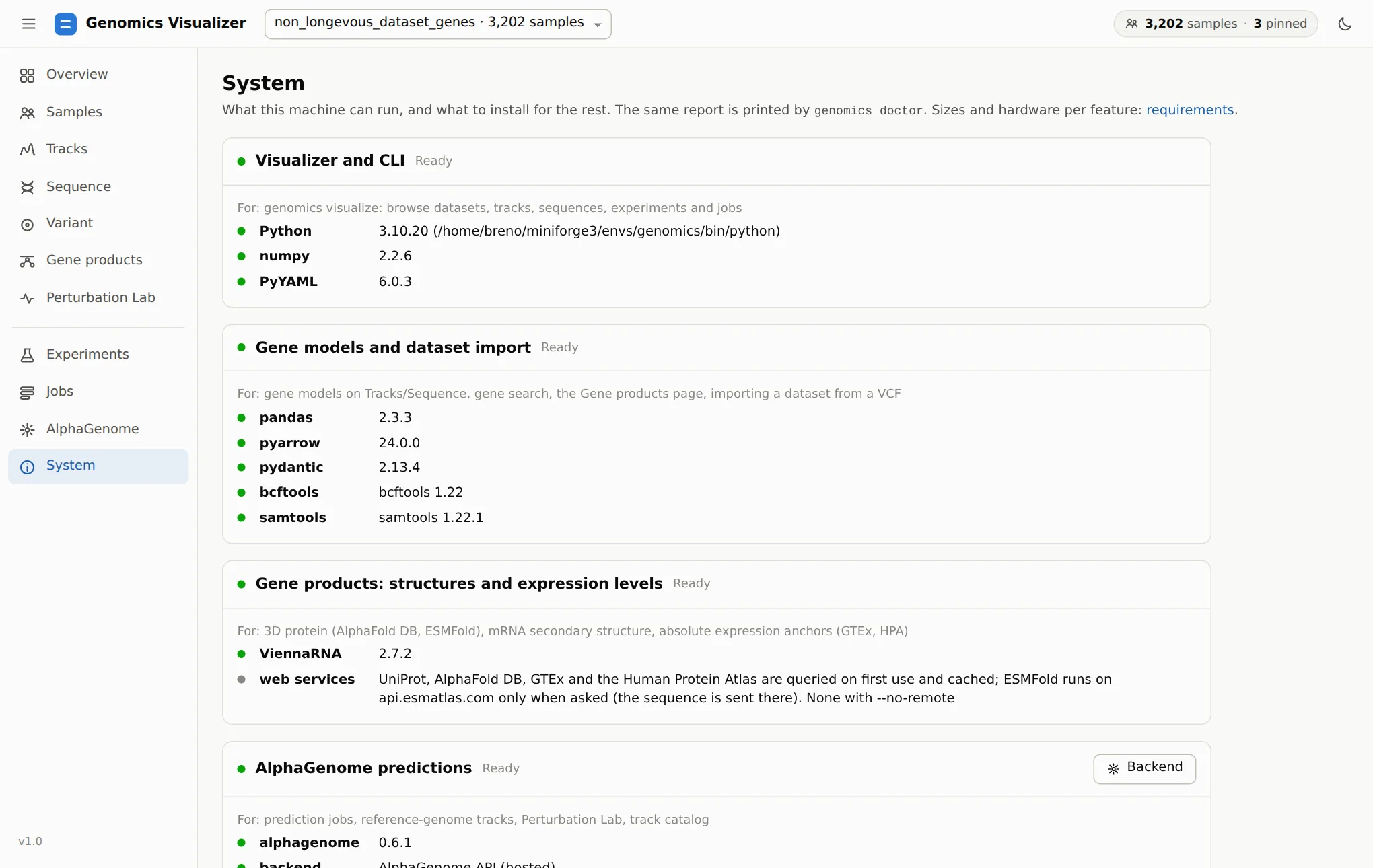
genomics doctor, feature by feature, plus
hardware and free disk space wherever the app writes.When something is greyed out elsewhere in the app, the System page says what is missing and the command that adds it.