Your First Session
From a fresh checkout to predicted tracks for a public cohort in about ten minutes. The detailed options are in Installation and Requirements.
1. Install
From the repository root, on Linux or macOS:
scripts/env/install.sh       # conda env "genomics" (Python 3.11, bcftools, samtools, the [visualizer] extra)
conda activate genomics
Add --training if you also want to train models and use the Perturbation Lab's scoring
(PyTorch).
2. Check what this machine can run
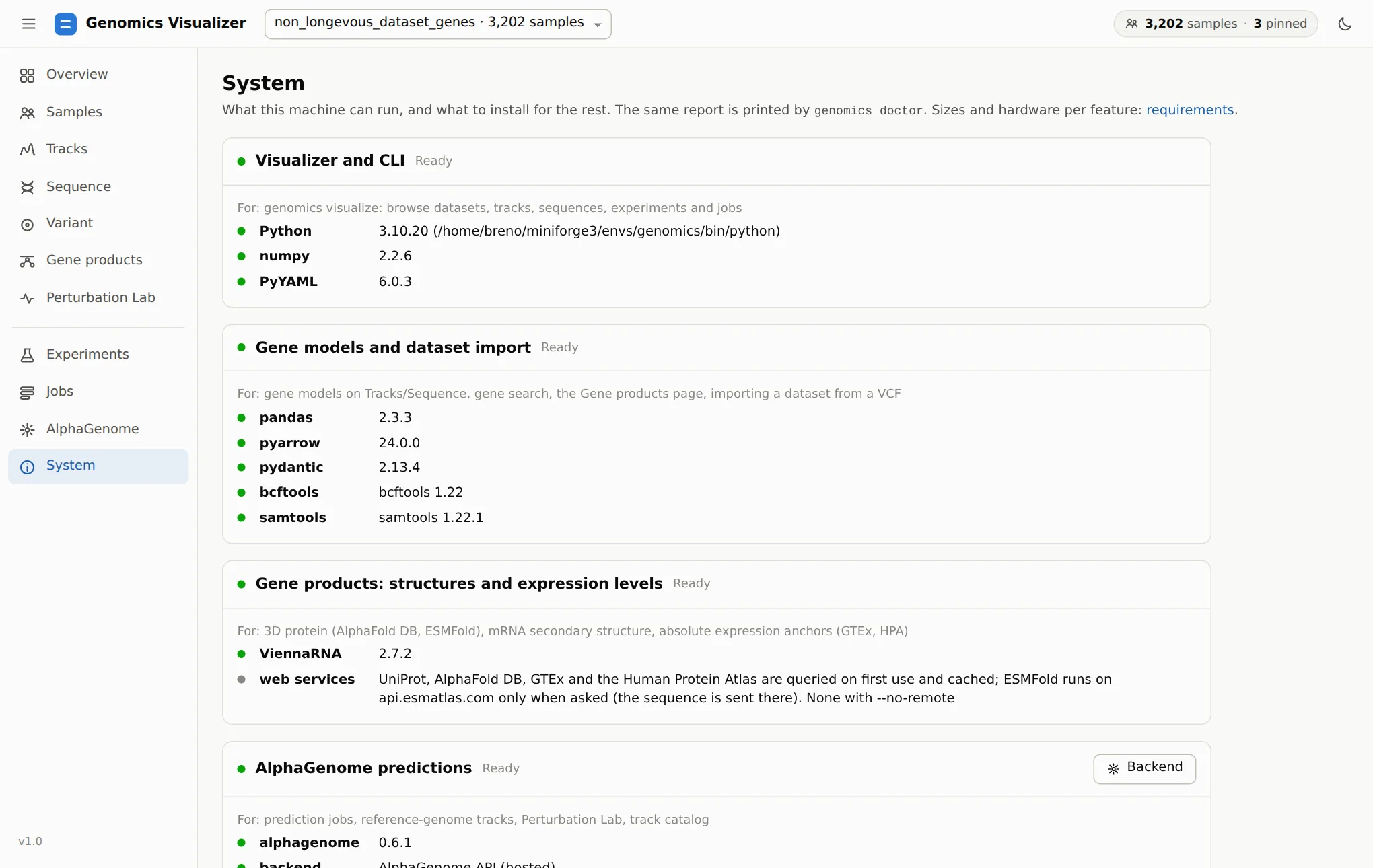
doctor checks each feature (browsing, gene models, dataset import, AlphaGenome predictions,
training). For anything missing it prints the command that enables it. The app's
System page shows the same report:
3. Give it AlphaGenome
Browsing works without AlphaGenome. Predicting new tracks needs one backend:
Get a free key for non-commercial use at https://deepmind.google.com/science/alphagenome, then:
Then choose This machine → Start server on the app's AlphaGenome page. Accept the model terms on Hugging Face first; see Requirements.
4. Open the app
The app is served at http://localhost:8780/. Over SSH, it prints the tunnel command to run on
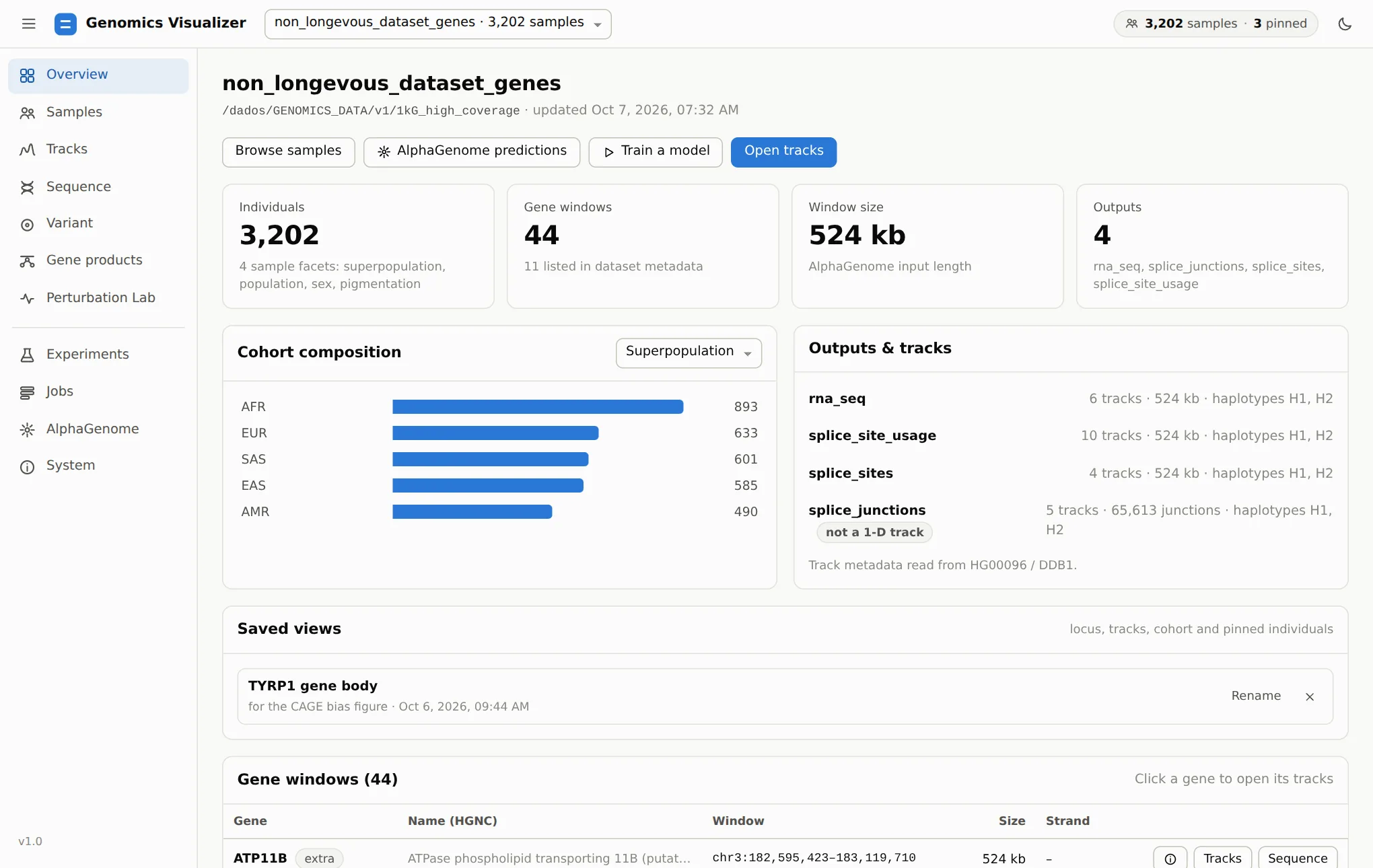
your own computer. If the registered 1000 Genomes dataset (1kg_high_coverage) exists on this
machine, it opens on it. Otherwise it starts empty, and you import a cohort in the next step.
5. Import a public cohort (if you have no dataset)
Open Jobs → Import dataset. The Quickstart card imports a public phased GRCh38 cohort without downloading anything first: bcftools streams only the windows you need from the source server.
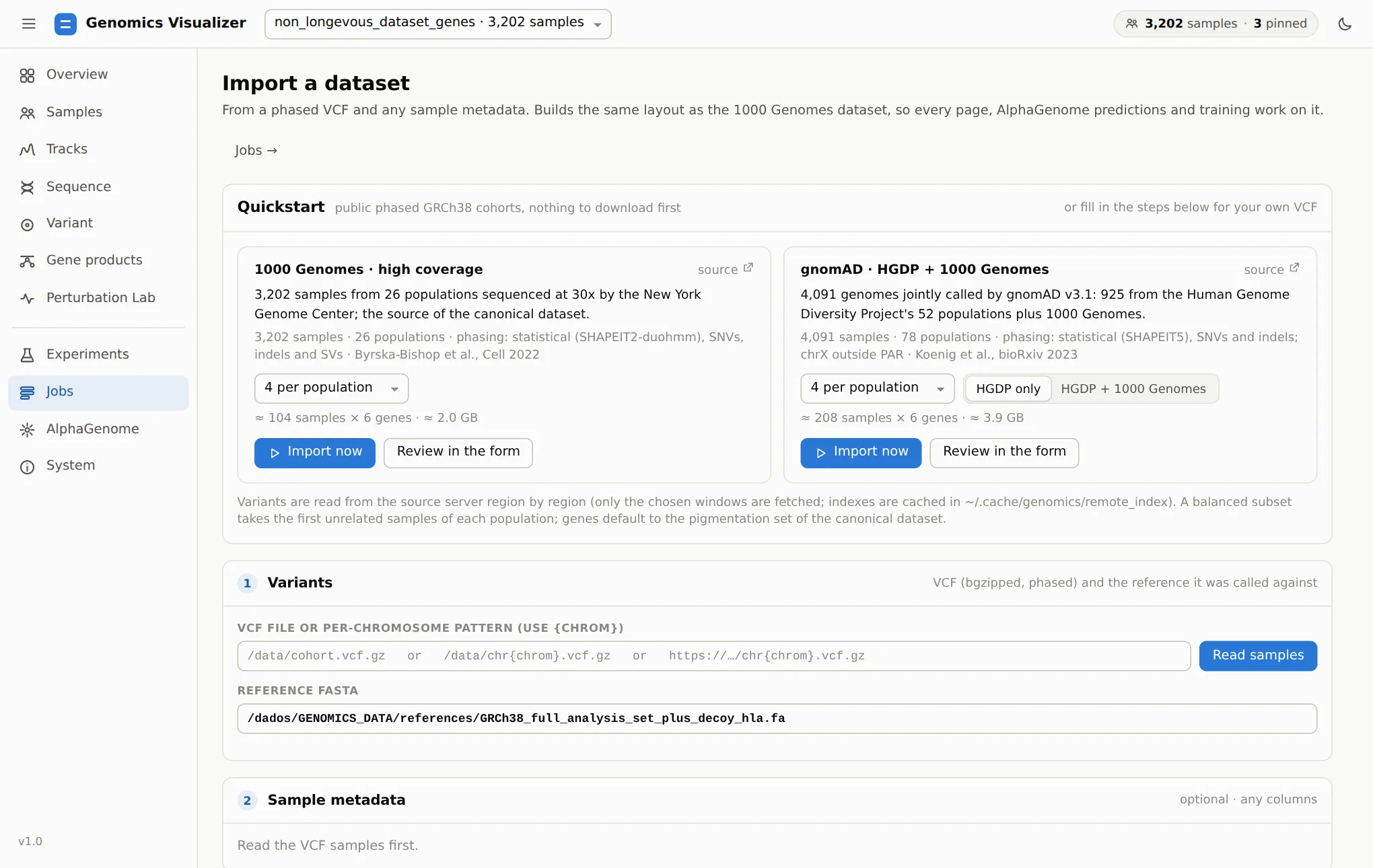
1 per population with the default six pigmentation genes takes about a minute and ~0.7 GB. When the job finishes, the dataset opens by itself. To add AlphaGenome tracks, use Overview → AlphaGenome predictions. See Bring your own cohort.
6. Take the tour
Continue with the Visualizer tutorial. It goes through every page on one running example.
Stopping and coming back
Ctrl+Cstops the app. Background jobs (imports, predictions, training) keep running.genomics visualize --openreopens the instance that is already running instead of starting a second one.- Pinned individuals, filters and the locus are remembered per dataset in the browser. A saved view keeps a whole Tracks setup on disk (see Read predicted tracks).